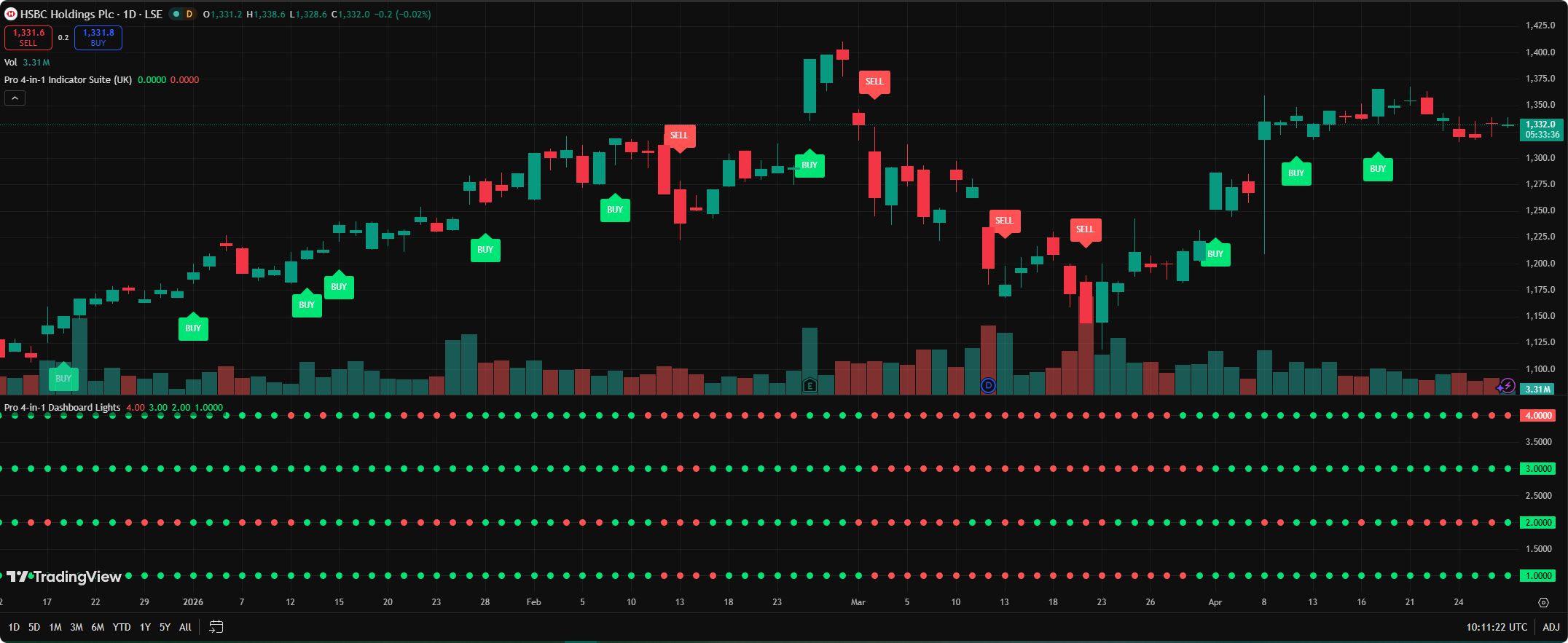
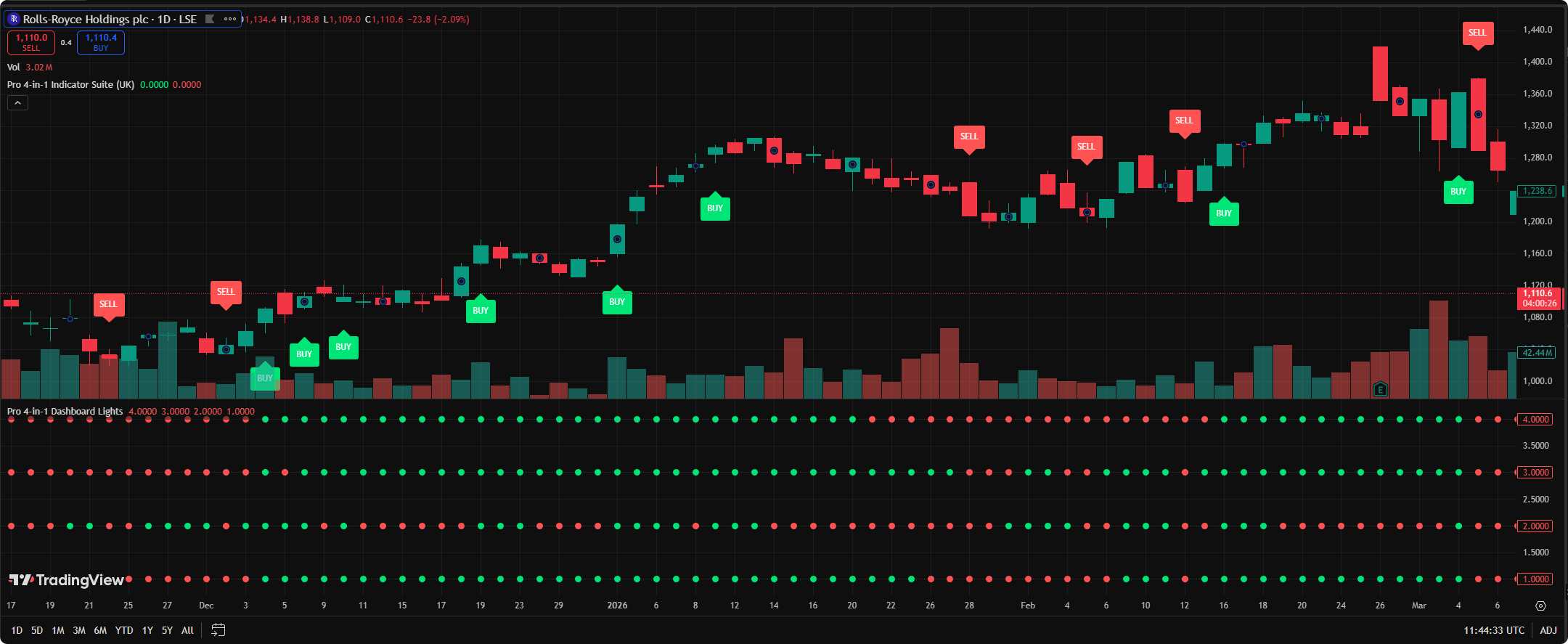
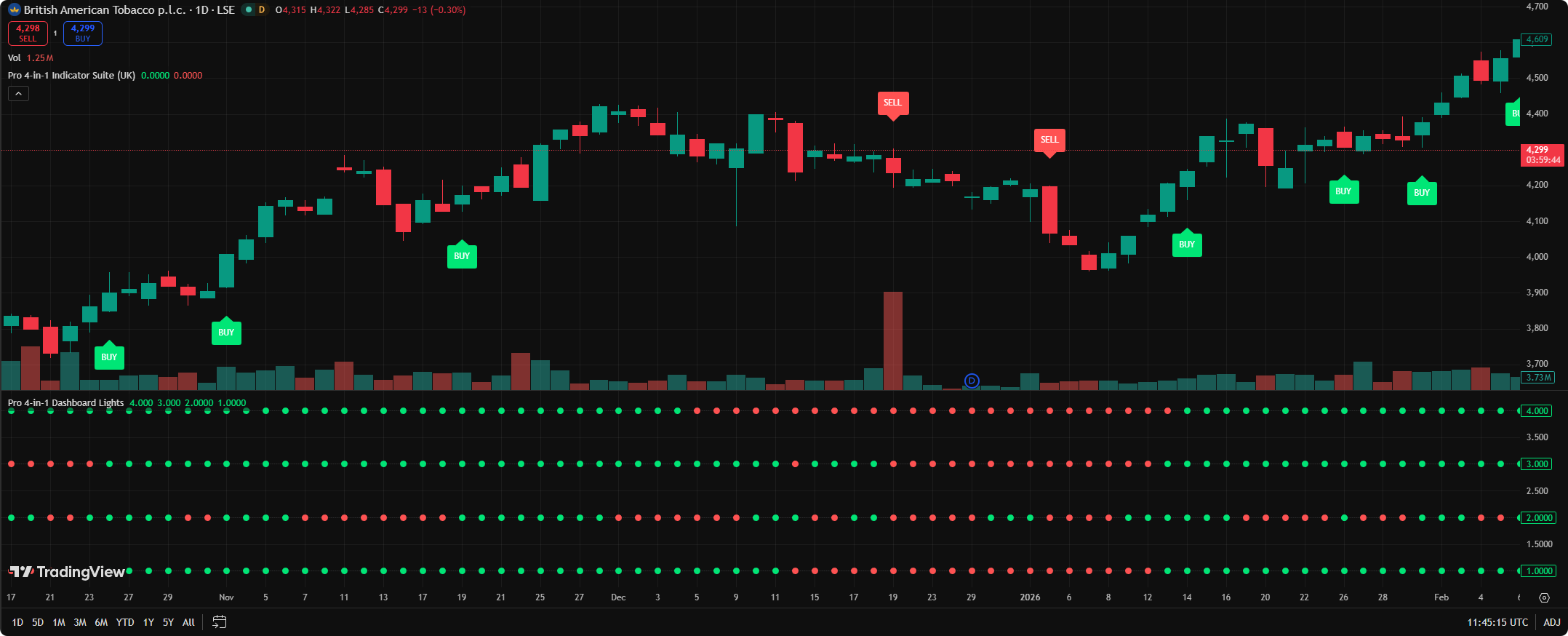
Main-chart BUY/SELL labels
Clean TradingView labels appear when all four conditions shift into full bullish or bearish alignment.
TradingView Pine Script v5 | UK market edition
The Pro 4-in-1 Indicator Suite combines MACD, RSI, stochastic momentum and CCI into one clean TradingView dashboard, so you only act when all four conditions align.
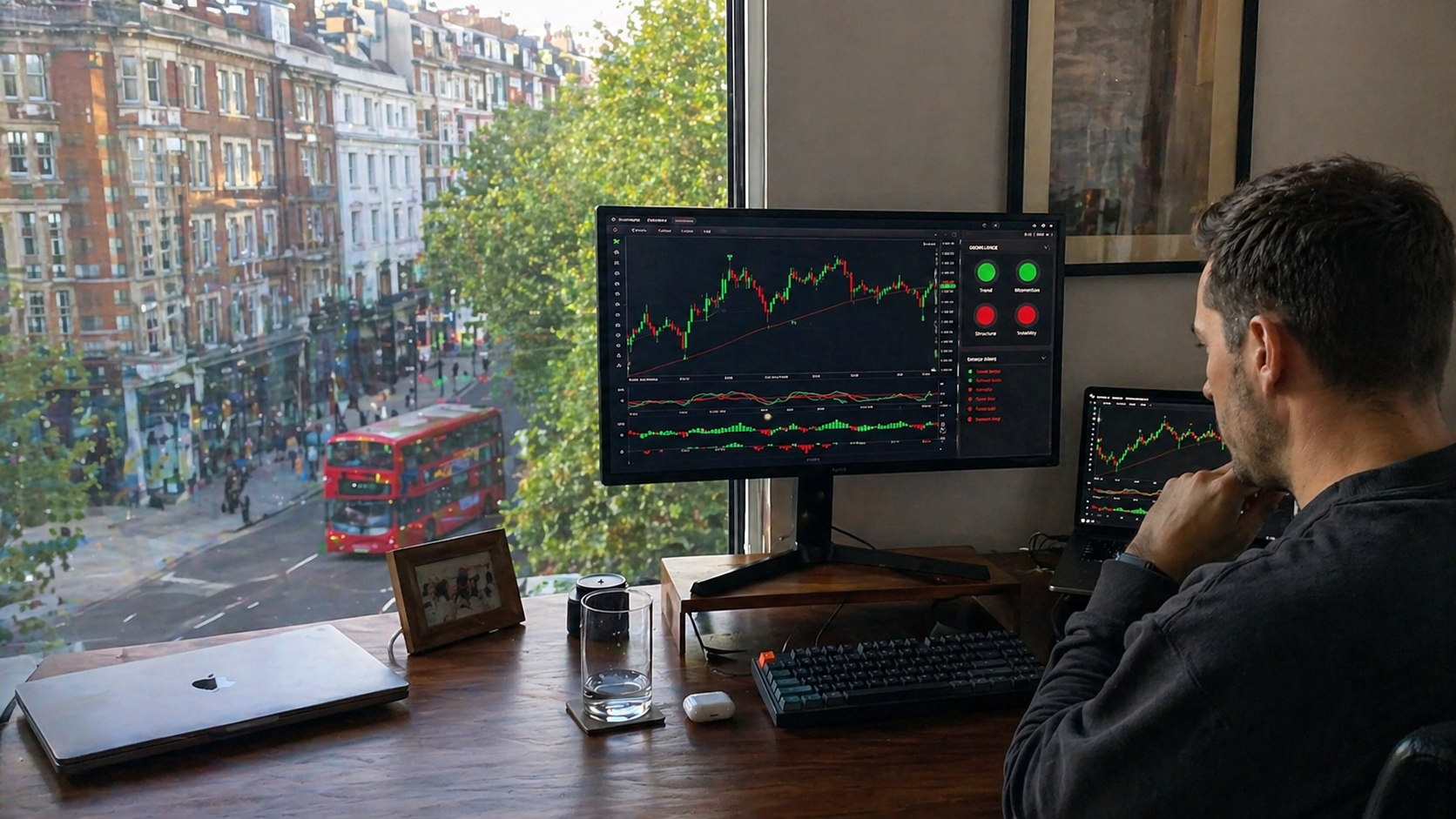
Live chart examples
Review bullish, bearish and no-trade conditions through a simple dashboard workflow built for disciplined TradingView analysis.
What you get
Clean TradingView labels appear when all four conditions shift into full bullish or bearish alignment.
The dashboard gives a fast read on whether trend, momentum and confirmation are moving together.
The guide points users toward 15-minute, 1-hour and daily chart workflows for FTSE 100 and UK blue-chip analysis.
You receive the Pine Script parts and install them directly in TradingView's Pine Editor.
The Rule of Four
Most retail traders do not need more noise. They need a repeatable decision filter. The Pro 4-in-1 workflow is simple: green alignment for bullish setups, red alignment for bearish setups, mixed lights for patience.
Start With the 4-Signal ChecklistSimple deployment
Open TradingView, choose your chart and launch the Pine Editor.
Paste Part 1 for the main-chart signals and add it to the chart.
Paste Part 2 for the dashboard lights and add it below the chart.
Use the four-dot alignment as a filter alongside your risk plan.
Instant digital access
Checkout is handled securely by Gumroad. After purchase, you receive the product files and can install the scripts in TradingView.
One-time digital product
For self-directed traders who understand trading risk and want a clearer TradingView decision framework.
Continue to Secure Checkout No broker account is included. This tool does not place trades for you.Questions UK buyers ask
No. It is a TradingView indicator and decision-support tool. You receive scripts and a setup guide; you remain responsible for your own trades, risk management and broker decisions.
No. No indicator can guarantee future results. The purpose is to make confluence clearer and reduce impulsive entries when the four checks do not agree.
The included guide focuses on FTSE 100 and UK blue-chip analysis, especially on 15-minute, 1-hour and daily charts. You can test it on other TradingView-supported markets at your own discretion.
No. You copy the provided Pine Script sections into TradingView's Pine Editor and add them to the chart.
Ready to use a stricter checklist?